
Overview
EasyCatalog streamlines catalog management through automated data import and synchronization, enabling users to generate hundreds of pages in a single click from sources like Excel, Odoo, Akeneo, Microsoft Business Central, and Plytix. The platform reduces manual work, improves accuracy, and keeps marketing materials up-to-date through personal guidance and custom template creation.
In the news
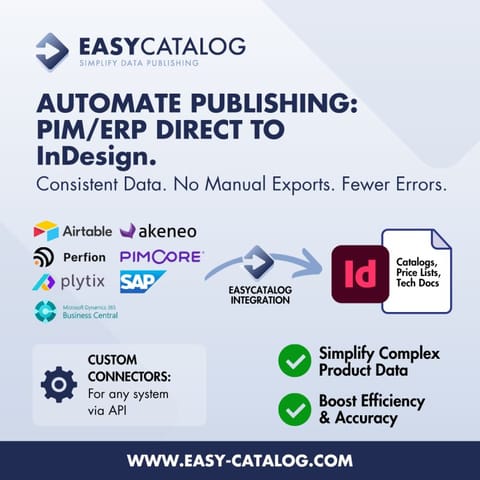
- Excel and CSV work great with EasyCatalog. But sometimes a direct connection is simply easier. EasyCatalog can connect InDesign straight to your PIM or ERP: Akeneo, Plytix, Perfion, Airtable and more. Different system? We build a custom connector via its API. Less data handling. More publishing. #EasyCatalog #AdobeInDesign #PIM #CatalogAutomation
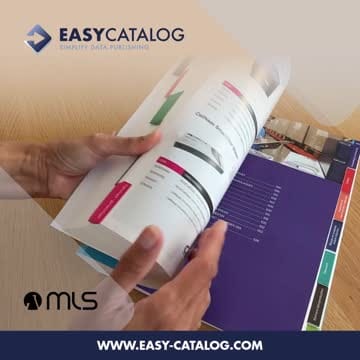
- This week MLSnv, specialists in laboratory and medical supplies with 40 years of experience, launched their new catalogue: 3 language editions of nearly 1,000 pages each, generated straight from their product data with EasyCatalog. Same data, same layout rules, consistent result every time. That's database publishing. Congratulations to the MLS team on the launch! #EasyCatalog #InDesign #DatabasePublishing #PrintAutomation
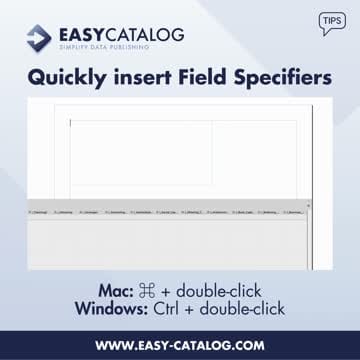
- 𝗘𝗮𝘀𝘆𝗖𝗮𝘁𝗮𝗹𝗼𝗴 𝗧𝗜𝗣 ! Quickly insert a Field Specifier by holding ⌘ (Mac) or Ctrl (Windows) and double-clicking the field name. Bonus tip: hold Shift and drag a field from the panel into your document to insert a Field Specifier using drag-and-drop. #easycatalog #indesign #datapublishing #catalogautomation
- Connect Odoo to EasyCatalog with this connector. No more Excel or CSV exports. Always live data, straight from Odoo into Adobe InDesign. Read more: https://lnkd.in/eSWaFVkv #Odoo #Odoocatalog #OdooInDesign #OdooEasyCatalog #EasyCatalog #automation #integration #Workflow #InDesign
- 𝗘𝗮𝘀𝘆𝗖𝗮𝘁𝗮𝗹𝗼𝗴 𝗧𝗜𝗣 ! Did you know you can freeze one or more columns in the EasyCatalog panel, just like in Excel? Simply 𝗵𝗼𝗹𝗱 𝗱𝗼𝘄𝗻 𝗦𝗵𝗶𝗳𝘁 𝗮𝗻𝗱 𝗱𝗿𝗮𝗴 𝗳𝗿𝗼𝗺 𝘁𝗵𝗲 𝘁𝗼𝗽-𝗹𝗲𝗳𝘁 𝗰𝗼𝗿𝗻𝗲𝗿 𝗼𝗳 𝗮 𝗰𝗼𝗹𝘂𝗺𝗻 𝘁𝗼 𝗶𝘁𝘀 𝗲𝗱𝗴𝗲. The selected column(s) will stay fixed while you scroll through your dataset. It's a small feature, but it can make a big difference when working with large amounts of data. 👉 Less scrolling, better visibility, and a smoother workflow. 👉 Have you used this feature

Something wrong or missing? Send an update. Fixed within 24 hours.