
Overview
Semasu offers tailored Microsoft 365 setup and configuration services, from Teams to SharePoint, designed to fit specific business needs. The company helps organizations rethink workflows through automation, data integration, and AI tool deployment like Copilot, while supporting team adoption through training and guidance.
Key people
In the news
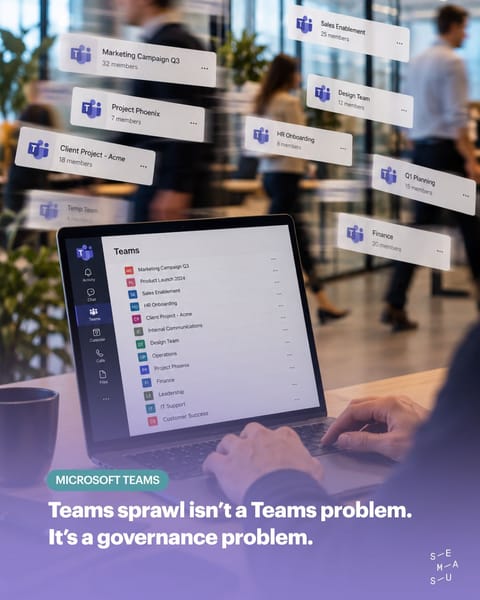
- Teams sprawl isn’t a Teams problem. It’s a governance problem. 💬 Hundreds of Teams 📁 Scattered files ❌ Inactive projects 🔒 Guest access nobody remembers The solution isn’t more technology. It’s clear ownership and simple rules: → Naming conventions → Lifecycle policies → Clear ownership → Regular access reviews A well-structured Teams environment doesn’t need more complexity. It needs governance that works. #Microsoft365 #MicrosoftTeams #Governance #SharePoint #DigitalWorkplace #Semasu
- Entra and Purview aren’t “IT topics” anymore. They’re Copilot topics. 🤖 When Copilot searches your Microsoft 365 environment, it works with the permissions, identities and sensitivity labels that are already in place. So what Copilot can access depends on the foundation underneath it. And that’s where things can get interesting… 🔐 Sensitivity labels that aren't consistently applied 👤 Permissions that haven't been reviewed in years ⚙️ Access policies that no longer reflect how your organisation works today Copilot doesn’t fix
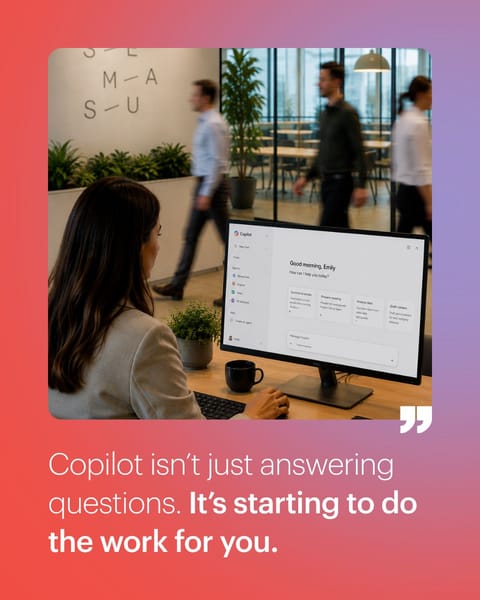
- Copilot isn't just answering questions anymore. It's starting to do the work. Schedule meetings. Trigger workflows. Update records. Create and send communications. Microsoft is moving quickly towards autonomous AI agents and that changes what organisations need to prepare for. Because agents don't magically fix a messy Microsoft 365 environment. They amplify it. If your SharePoint is well structured, permissions are under control and your processes are clearly defined, agents can create serious productivity gains. If your
- Before you roll out Copilot, ask one simple question: 👉 Who can currently see your HR folder? We’ve seen it more times than we can count: 📁 Salary information shared too broadly 📁 Restructuring documents in general team sites 📁 Sensitive files accessible to people who shouldn’t see them Nobody noticed. Until AI came along. Copilot doesn't know which files someone should have access to. It works with what they already can access. So the problem isn't Copilot. It’s the permissions you forgot to clean up. Before rolling out AI,
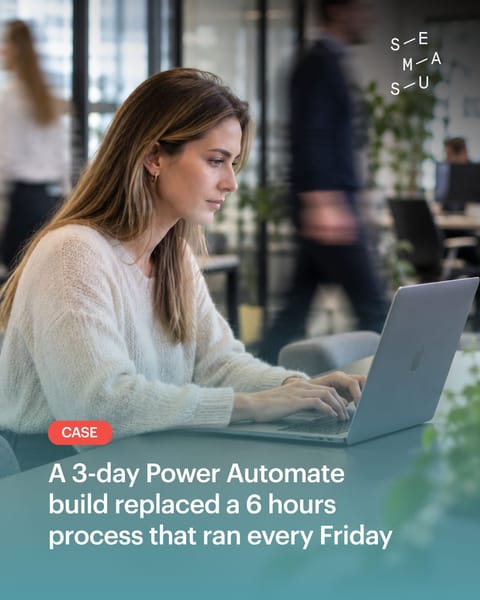
- They Lost 6 Hours Every Friday. We Gave Them Back. That was the reality for a logistics company we worked with. One employee spent every Friday morning: - Collecting updates from 5 different systems - Copying everything into one spreadsheet - Formatting the data - Sending it to 12 stakeholders The process worked. But it took 6 hours every single week. We rebuilt it with Power Automate in just 3 days. Now the flow automatically collects the data, combines it, creates the report and sends it out every Friday at 8 AM. The result? 🕘
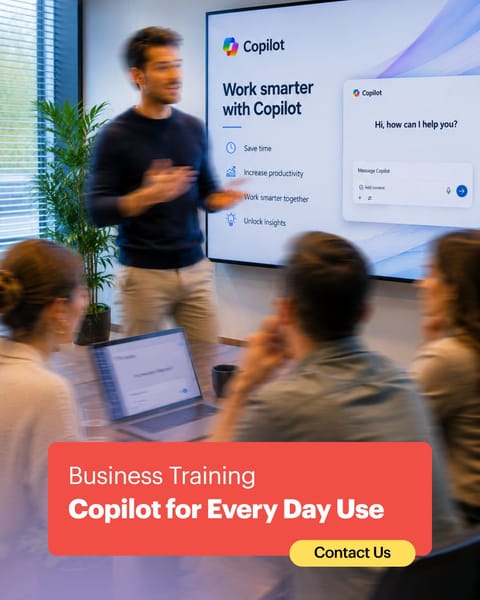
- What if every employee could save just 30 minutes a day? That's exactly what we've been exploring during our recent Microsoft Copilot for Everyday Use training sessions. Not by showcasing every Copilot feature. But by focusing on the moments that matter most. ✔ Writing emails faster ✔ Preparing meetings in minutes ✔ Summarizing documents instantly ✔ Finding information without endless searching ✔Turning everyday tasks into smarter workflows The biggest challenge isn't learning AI. It's learning to think differently. Small
- Microsoft is introducing Work IQ. The familiar Work / Web toggle in Microsoft Copilot is making way for a new experience: Work IQ. But this is more than just a new interface. Work IQ is designed to better understand your organization's context by connecting your emails, meetings, documents, chats and business data. The result? More relevant answers, smarter insights and AI that truly supports the way you work. There's one important takeaway: 💡 The quality of AI depends on the quality of your digital workplace. If your Microsoft
- Microsoft 365 is powerful. But its real value doesn't come from the tools themselves. It comes from how well those tools fit your organization. That's why we don't start with technology. We start with understanding how your organization works and then shape Microsoft 365 around it. 👥 Your teams ⚙️ Your processes 💡 Your way of working No unnecessary complexity. Just a digital workplace that works the way your people do. Curious whether your Microsoft 365 environment is truly supporting the way your organization works?

Something wrong or missing? Send an update. Fixed within 24 hours.